Seedbox or NAS: which one for your files?
2 min read
To download and store your files without leaving your computer on, two options come up often: the NAS, set up at home, and the seedbox, hosted in a datacenter. They look alike, but they do not meet the same needs.
The NAS: a server at home
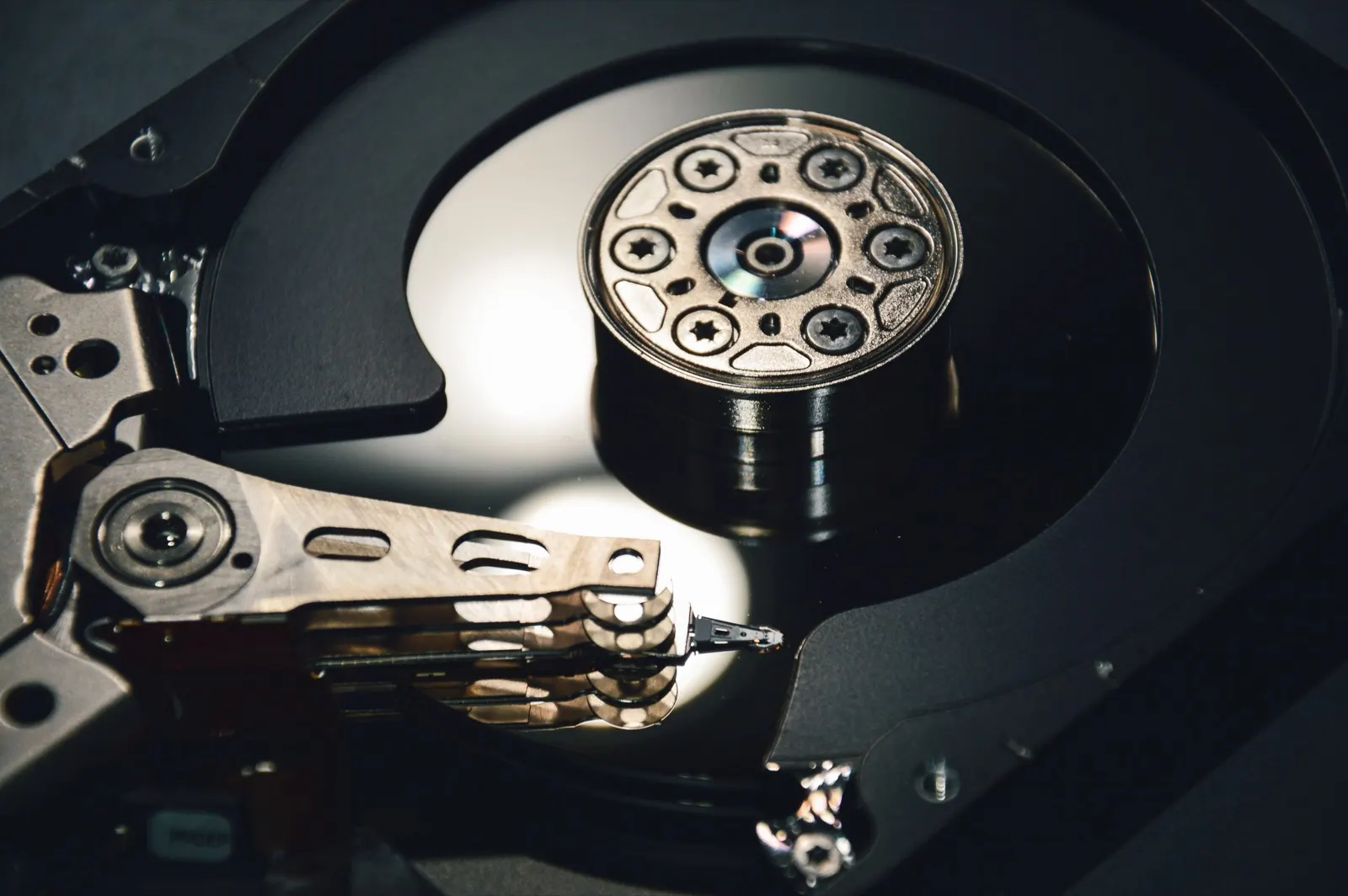
A NAS (Network Attached Storage) is a box that holds one or more hard drives and plugs into your internet router. It stores and shares files on your local network, and most models can also download torrents.
You buy the hardware, install the drives and handle the updates. In return, your files stay physically at home.
The seedbox: a server hosted for you
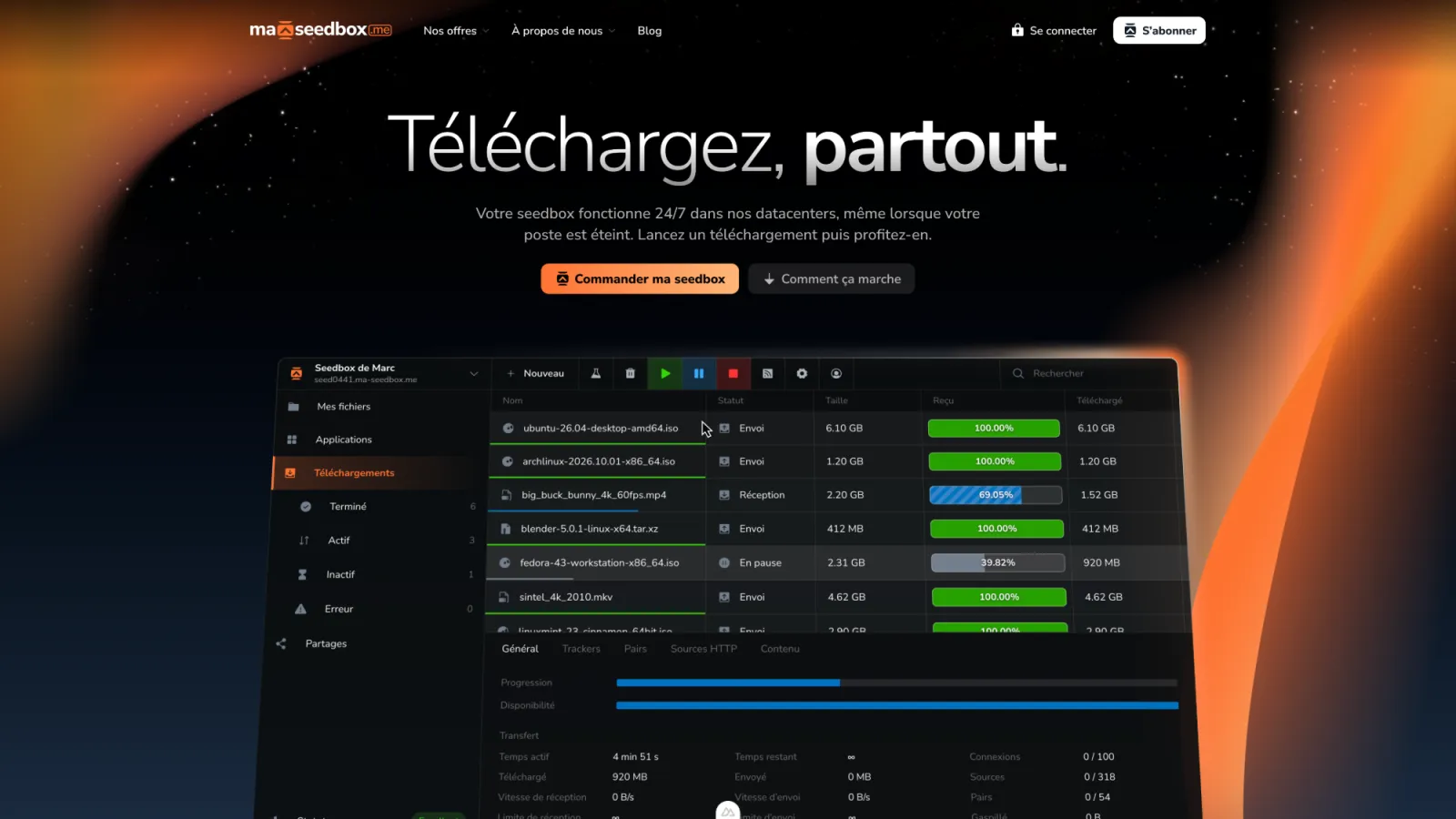
A seedbox works the same way, but the server sits in a datacenter. You have no hardware to buy or maintain: you pay a monthly subscription and your space is ready as soon as you order.
The differences that matter
- Connection: a NAS depends on your router and your upload speed, which is often limited. A seedbox uses the datacenter’s connection.
- Upfront cost: a NAS requires an initial purchase (the box and the drives). A seedbox is paid monthly, with no hardware.
- Maintenance: with a NAS, drive failures, updates and security are up to you. With a seedbox, the host takes care of them.
- Noise and power use: a NAS runs at home, day and night. A seedbox adds nothing to your electricity bill.
- Privacy: on a NAS, your router’s IP address is the one that shows in the exchanges. On a seedbox, it is the server’s.
Which one for which use?
A NAS makes sense if you mainly want to back up your photos and documents at home, with fast access on your local network.
A seedbox is a better fit if your priority is downloading and sharing quickly, with no hardware to manage, and reaching your files from anywhere.
The two work well together: the seedbox downloads, then you copy the files you want to keep at home over to your NAS.